

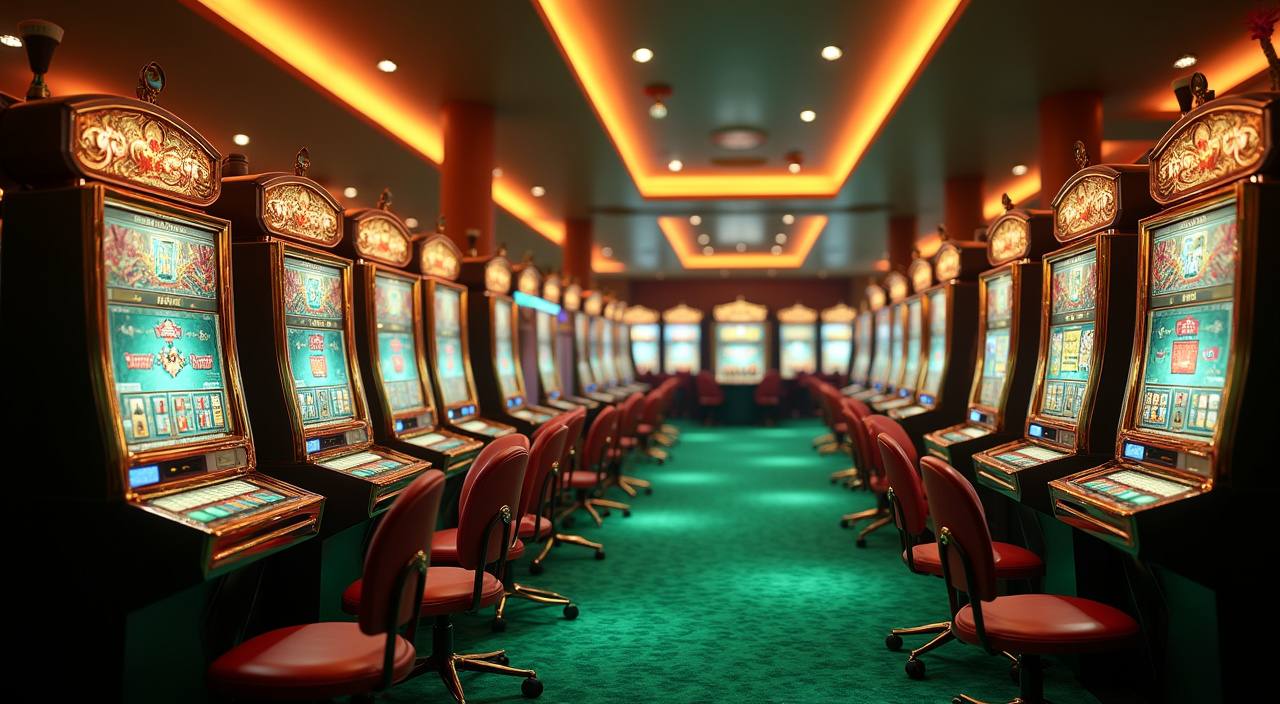




LOBBY
Game tabs
Casino and slots sit first, followed by sportsbook and fishing rooms.
Live Baccarat, Auto Roulette and Gates of Olympus sit close to the wallet, so you can open your account and reach the lobby quickly from Bandung…

The lobby brings slots, live tables, sportsbook tabs and fishing rooms into one clean screen after login.
You will see familiar names such as Pragmatic Play, PG Soft and Habanero across slots, live rooms and feature games.
Your wallet page supports local rails that Indonesian customers already use daily.
A good home page should answer what you can open, how your wallet works, and where help sits.

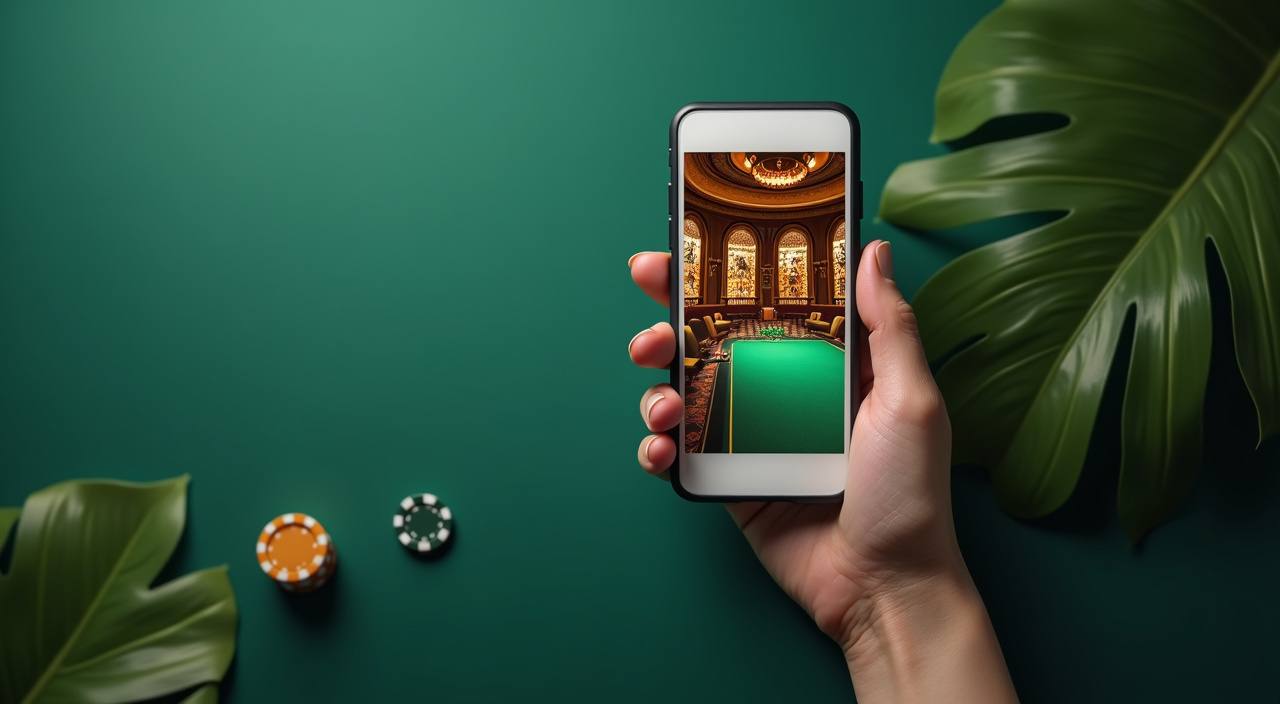

Your first minute on the home page should confirm three things: your account access, the lobby tab you want, and the wallet route.
Open the account form, add your mobile number, set a password, and confirm the details before entering the lobby. The home page then shows your wallet and game tabs.
Your profile page holds name, phone, password controls and wallet status. Keep these details aligned with your chosen DANA, OVO, GoPay or QRIS account.
From the home tabs, you can reach slots, live casino, sportsbook, Crash Games, Fish Hunter and Super Bingo without opening a separate brand site.
We ask you to use a unique password and keep device access private. If a login looks unusual, contact support before making wallet changes.
Questions should not pull you away from the account flow. We place live chat and email access near the home menu so you can ask about login, wallet status or game loading without losing your place. For account-specific requests, include your registered phone number and the time of the issue.
Chat is available 24/7 for login checks, wallet status and room loading questions. Keep your registered phone number ready so we can locate the account.
Use [email protected] when a question needs screenshots or a longer account record. Email is better for withdrawal checks and profile corrections.
On phone, open the menu and tap Help to reach chat. If a game panel freezes, refresh once before sending the device and browser details.
Most Indonesian sessions start on a phone, so we keep the home page light and direct.
The home page is built for account control first. We keep login, wallet and support paths visible so you can act quickly if something looks wrong.
Searching through chat groups and random links can make account access messy. Our home page keeps the login, wallet, game categories and support routes in one place, so you know which action…
You start from one account form instead of several shared links. That keeps your phone number, profile name and wallet route connected from the first session.
Slots, live casino, sportsbook and fishing are labelled on the home page. You do not need to guess which room a link will open.
DANA, OVO, GoPay and QRIS sit inside the wallet area rather than inside chat messages. This keeps funding steps tied to your account.
When you contact us from the home page, support can ask for account details and timing. That is cleaner than tracing an outside link.
Your account follows the same login on phone, tablet and computer. You can start with slots on mobile and later check live tables on a larger screen.
Offer rules and wallet checks appear close to the relevant button. You see the condition before choosing the action, not afterward.
Different rooms work in different ways, so we label categories instead of treating every game the same.

Slot rooms show stake ranges and feature rules inside the game panel.
Live tables stream from studio rooms with table rules shown before seating.
Sports markets show odds, closing time and settlement status in the ticket area.
Fish Hunter rooms use arcade-style rounds with stake choices shown on entry.
Crash Games rely on fast rounds and clear cashout timing.
RTP percentages are informational reference values from provider documentation. Actual session outcomes vary.
Our home page is written for Indonesia and uses local wallet rails that are common across major cities. Access and eligibility depend on local law and are available only where local law permits. If your region is supported, the account flow will show the available lobby and wallet routes after login. If access is not available, some pages or actions may be limited.
The home page is designed to make the first decision simple. We show the game room, wallet route, promo board, support path, account profile and device-ready…
Live Baccarat, Auto Roulette and table rooms are placed near the main lobby entry. You can check limits before joining a table.
Gates of Olympus, Mahjong Ways and Sweet Bonanza sit among the slot rooms when available from the supplier feed.
Sports markets are separated from casino rooms so tickets and settlement details stay in their own area.
Member Rewards entries appear inside the account area when active, with terms shown before you choose to take part.
The wallet shortcut stays close to the menu after login, helping you check DANA, OVO, GoPay or QRIS status quickly.
The help button remains visible from the home screen, so you can ask about login, wallet or game loading without leaving the page.
These answers focus on the home page actions you are most likely to take first: opening an account, reaching the lobby, using local wallets, checking support, and understanding access. If your question involves a specific transaction, contact support with your registered phone number and timing.
Start with the home menu, then move left to right: account, wallet, lobby, support. This order matches how most first sessions work.
Confirm your phone number and profile name before wallet activity. Correct account details make later withdrawal checks easier for both you and support.
Choose DANA, OVO, GoPay or QRIS from the wallet area. Follow the on-screen amount and confirmation steps before returning to the lobby.
Open casino, slots, sportsbook or fishing from the main tabs. Check room rules and stake ranges before entering a live round.
Use chat for quick account checks and email for longer cases. Send screenshots only through the support route we provide.